AI Automation for Overworked Small Business Managers: A Practical Guide
For the manager stuck in 80-hour weeks, AI automation isn't magic. A few focused workflows can reclaim hours without breaking anything. Here's what to build, what breaks, and how Animas ships it.
Quick answer
Most managers stuck in long weeks don’t need a big AI overhaul. They need one or two small, reliable automations that stop the daily data-crunching loop. The key is connecting an AI tool to an existing trigger (end-of-day, low-stock alert), assigning a clear human owner, and always including a review step. Done right, this can shave 5–10 hours a week of repetitive grind, without replacing the judgment work that only a person can do.
A realistic workflow example
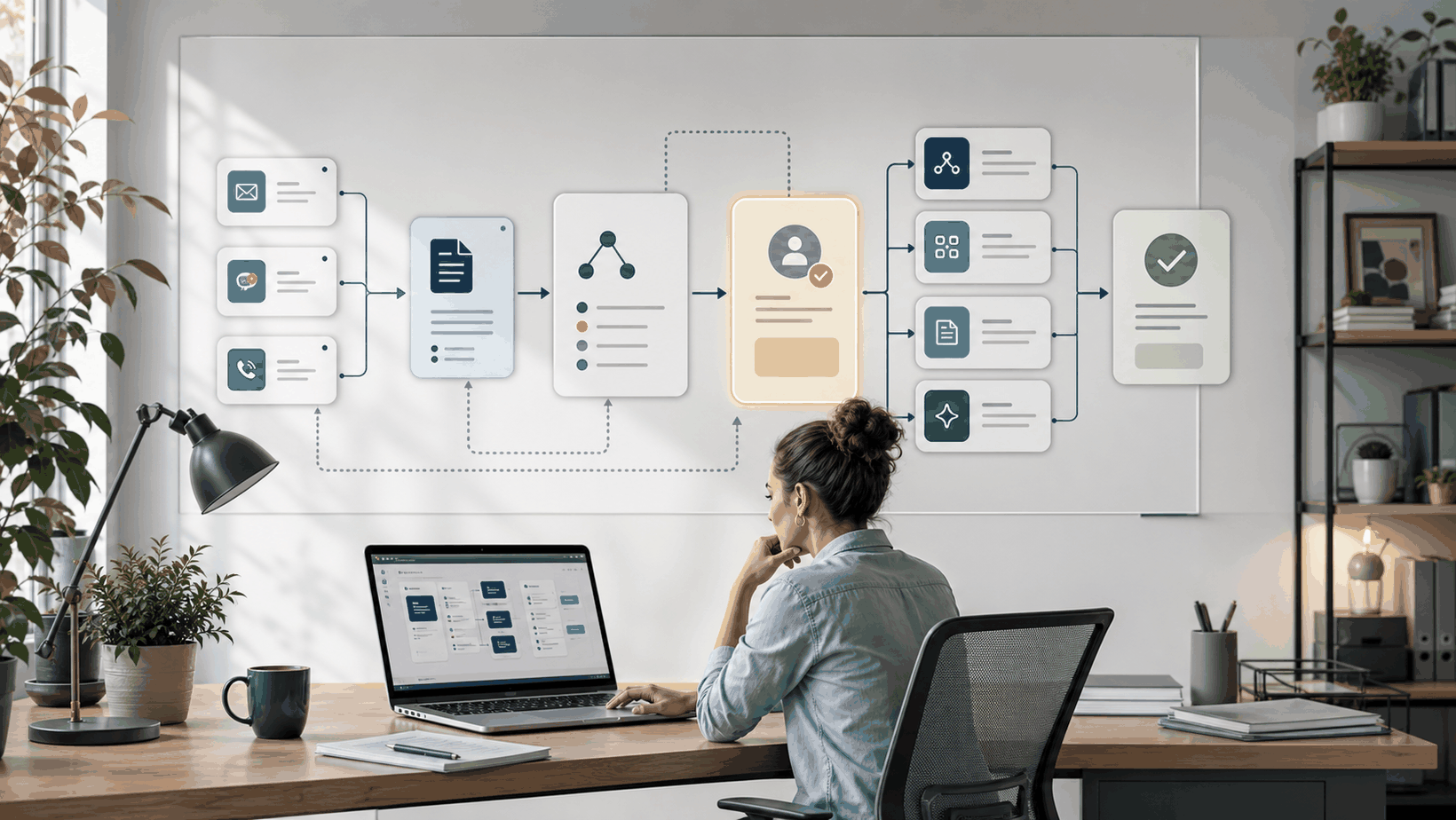
Picture a pizza shop manager pulling 80-hour weeks. The trigger is the store closing. The POS system’s day-end report has just landed. A small AI workflow kicks in: it reads the raw sales totals, labor-hours logged, shift notes from the crew chat, and a few flagged customer-review keywords. No magic, just pulling existing data.
The AI drafts a “Daily Wrap” email: sales vs. target, labor as a percentage, inventory items that dipped below the reorder point, and any negative review snippets. The draft lands in the manager’s inbox with the subject “Today’s recap, review before filing.” **Owner:** the manager. **Handoff:** AI → manager (review state). The manager can tweak the labor note, delete a false alarm, and hit *approve*. The final version saves into the team’s weekly log.
**Failure path:** If the POS export fails or shift notes are missing, the AI sends an alert: “Can’t build recap: data sources broken.” No made-up numbers, no silent failure.
What breaks in real teams
Real ops don’t break because the AI is dumb. They break because the workflow around the AI isn’t hardened.
- **No human brake:** Manager blindly trusts an AI schedule that double-books a key employee. Nobody reviewed it.
- **Fragile connections:** Automation silently dies when the POS vendor pushes an API update. Two weeks pass before anyone notices the daily report vanished.
- **Over-scoping:** The team tries to automate everything from ordering cheese to payroll in one project. They end up with a half-built dashboard nobody uses and a burnt-out manager.
- **Wrong owner:** The one crew member who “gets the tech” sets it up, then quits. Nobody else can fix it when it breaks.
- **Ignoring context:** An inventory bot re-orders pepperoni based on last month’s average, ignoring the festival weekend ahead. Now you’ve got too much stock and a cash crunch.
What to build first
Pick one task that repeats every day, requires manual data wrangling, and has a single, obvious owner. The daily recap is the archetype — it’s tedious, high-stakes, and the right answer is verifiable.
Start by wiring the POS export and shift-notes source (Slack, a spreadsheet, or a simple form) into a lightweight AI script that drafts the summary. Send that draft to the manager’s email or a dedicated review channel. That’s it. Don’t auto-post to accounting, don’t schedule next week’s shifts. Let the team live with this one workflow for two weeks. Once they trust it, you’ve proven the pattern, and you’ve already given the manager a bit of breathing room.
What to avoid
- **Set-and-forget AI:** Any tool that promises fully autonomous decisions on inventory, staffing, or customer replies is a risk without a review gate. Always keep a human in the loop.
- **Starting too deep:** Avoid complex platforms that require a data engineer. Small business managers can’t afford a dedicated maintainer.
- **Automating judgment:** Don’t let AI decide who gets cut from the schedule or how to respond to a 1‑star review. Those decisions need context a model can’t have.
- **Silent failures:** If the AI can’t get clean data, it must yell immediately, not produce a polished-looking lie.
How Animas thinks about it
Animas AI doesn’t sell “AI that runs your business for you.” We build small, reliable systems that work with the operations you already have: the POS, the email, the shift chat. Every project starts with triggers, owners, handoffs, and review states, the same pattern that keeps a busy kitchen from collapsing mid-service.
Take [Pip](/pip.html), a daily signal system we built for small business managers. Each morning Pip pulls operational numbers, runs lightweight checks, and puts a one‑screen snapshot in front of the owner. No dashboards, no budget approvals, no IT overhead. If something looks off (labor spiking, a missed inspection), the manager sees it before it becomes a fire. Similarly, [Masthead](/masthead.html) shows how AI‑human handoffs keep content pipelines clean, a pattern that translates directly to inventory alerts, shift‑swap approvals, or customer‑sentiment triage.
We’re not here to promise your 80‑hour week will become 20. But we know how to build the tiny automations that give you back 5–10 hours of mental grind, with guardrails that prevent breakdowns when a data source hiccups. That’s the practical AI a stretched-thin manager needs. If that sounds like help you’ve been looking for, [see what I build](/solutions.html) and the [work we’ve shipped](/case-studies.html).
FAQ
Can AI replace a small business manager entirely?
No. AI can handle repetitive data‑mashup tasks like pulling numbers, summarizing, and flagging anomalies, but it can’t manage people, resolve conflicts, or make the judgment calls that define a good operator. Use AI to reclaim time so you can lead, not to delegate leadership.
What’s the first sign an AI automation is doing more harm than good?
When you stop reviewing its output. If the daily recap always looks “good enough” and you skip the review step, the system is drifting. The moment it quietly miscalculates labor cost or misses a safety flag, you won’t catch it. A healthy automation keeps a visible, mandatory human checkpoint.
How much does a small automation like the daily wrap cost to set up?
A focused, single‑trigger build typically fits within a short, fixed‑scope engagement. The cost depends on what systems you already use (POS, email, Slack) and how clean your data is. At Animas we shape projects around that reality: no giant platform licensing, no data scientist required. Take a look at [what I build](/solutions.html) for the typical approach.
Do I need a data scientist on my team?
No. The automation described here uses plain APIs, simple scripts, and AI language models to summarize known data. A capable developer or a firm like Animas can set it up without a data team. The real work is in designing the workflow, not training a custom model.
Source notes
- The overworked‑manager theme is illustrated vividly in a viral video titled “Pizza Shop Manager Works 80 Hours Per Week,” highlighting operational overload as the real choke point.
- Internal knowledge from building Pip for daily operational signal delivery and Masthead for AI‑human review handoffs — both built around triggers, owners, and review states.
- The [7‑day speed‑to‑lead sprint](/blog/7-day-speed-to-lead-sprint) on this site demonstrates the same pattern applied to lead handling: tight workflow, clear owner, fast feedback loop.

Want this kind of system in your business?
Send the messy workflow. I will help turn it into a practical AI system.
Email Tyler